LineTV Play is a professional desktop IPTV player with M3U/M3U8 playlists, Xtream Codes, EPG, catch-up archive, instant & scheduled recording, multi-screen, Mini Player and Picture-in-Picture — built for Windows.
Concrete scenarios, not a spec sheet. Here is what LineTV Play lets you do in everyday viewing.
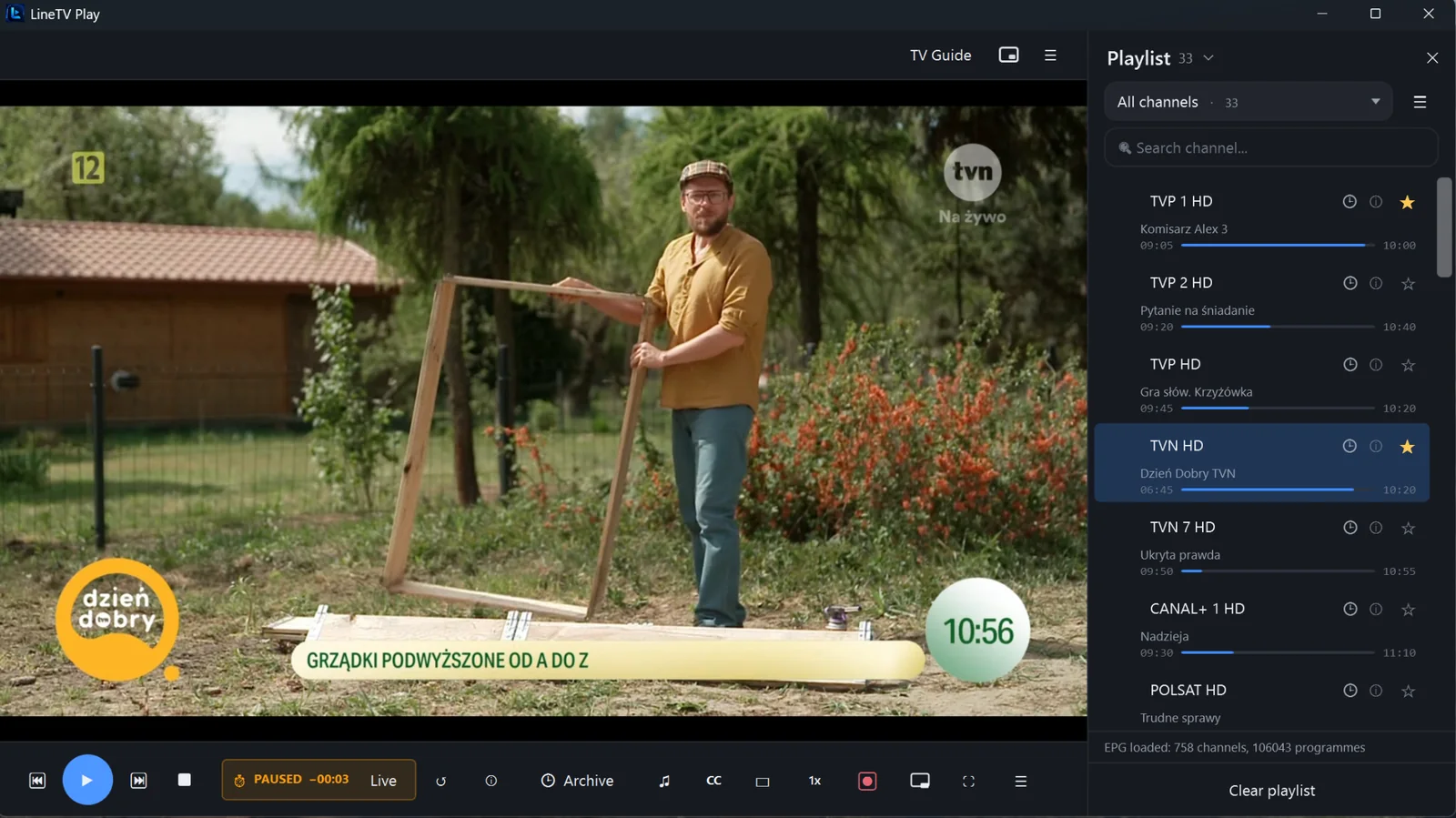
Step away from the screen — the player keeps a local timeshift buffer, so you resume from the exact same moment. One tap returns you to live.
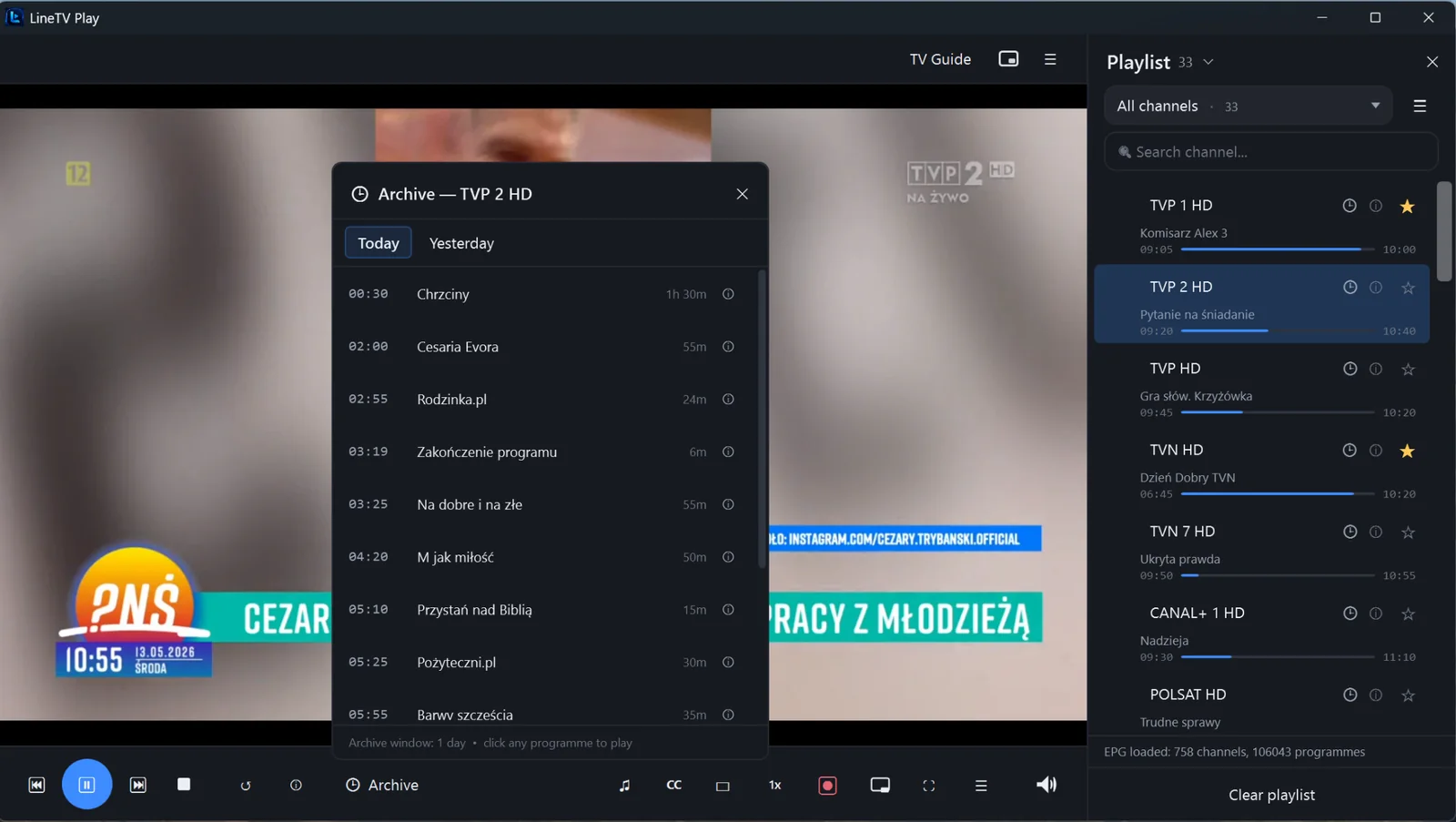
Missed last night's film or yesterday's match? Open the channel's archive, pick the programme and watch from the start — when supported by your playlist or provider.
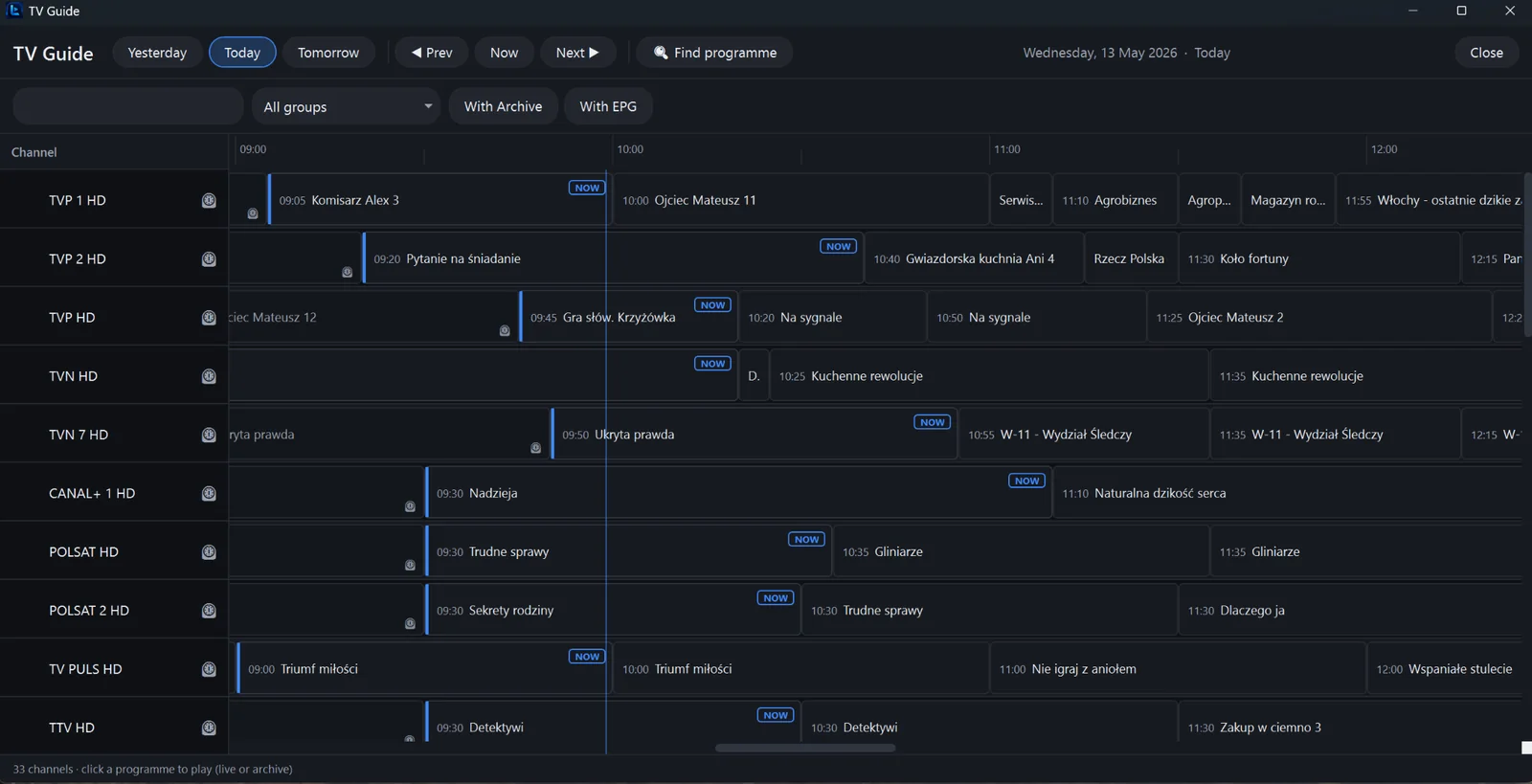
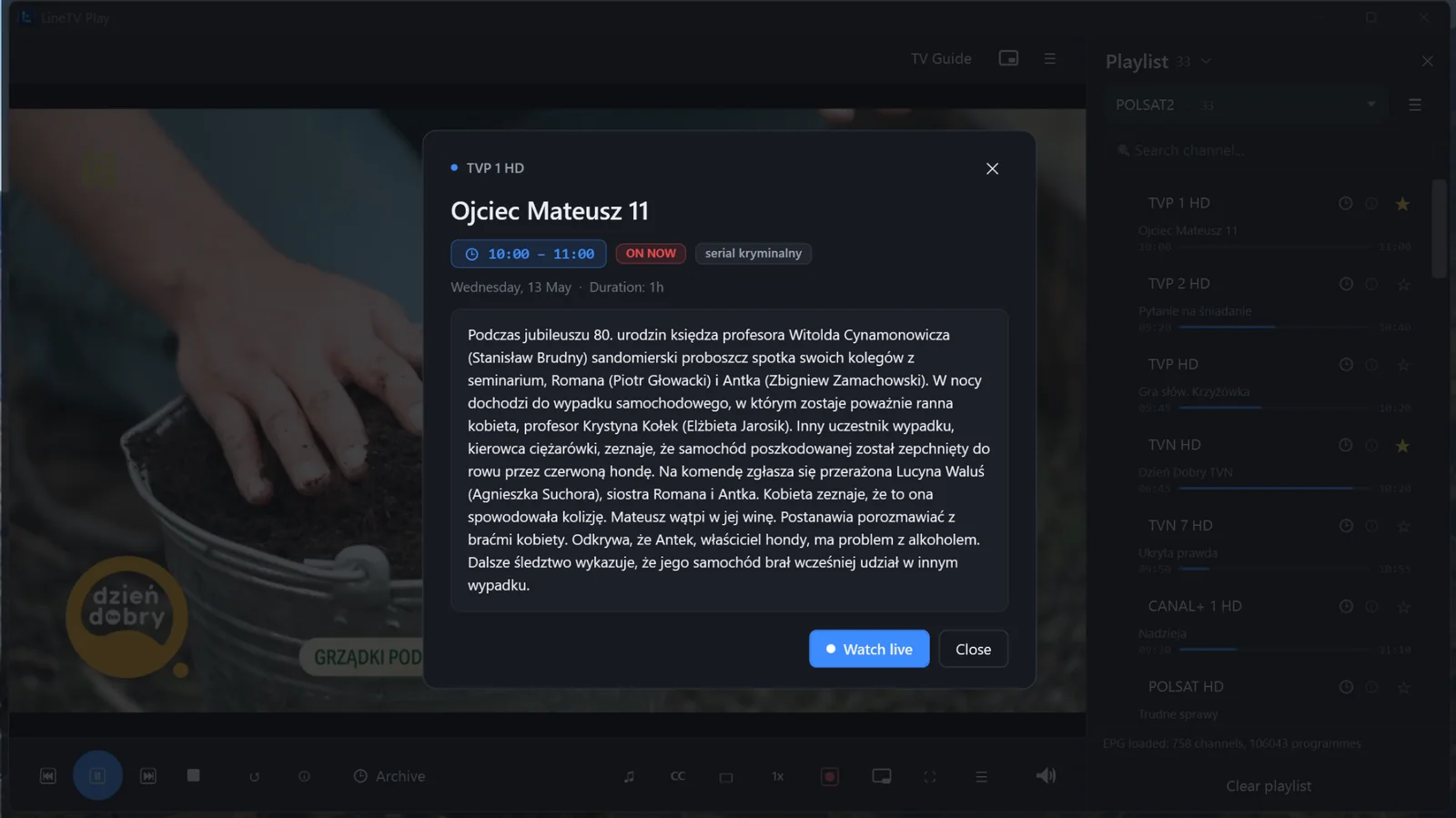
Every channel's schedule on one grid — what's on now, what's next, what played earlier today or yesterday. XMLTV with gzip and multi-source EPG.
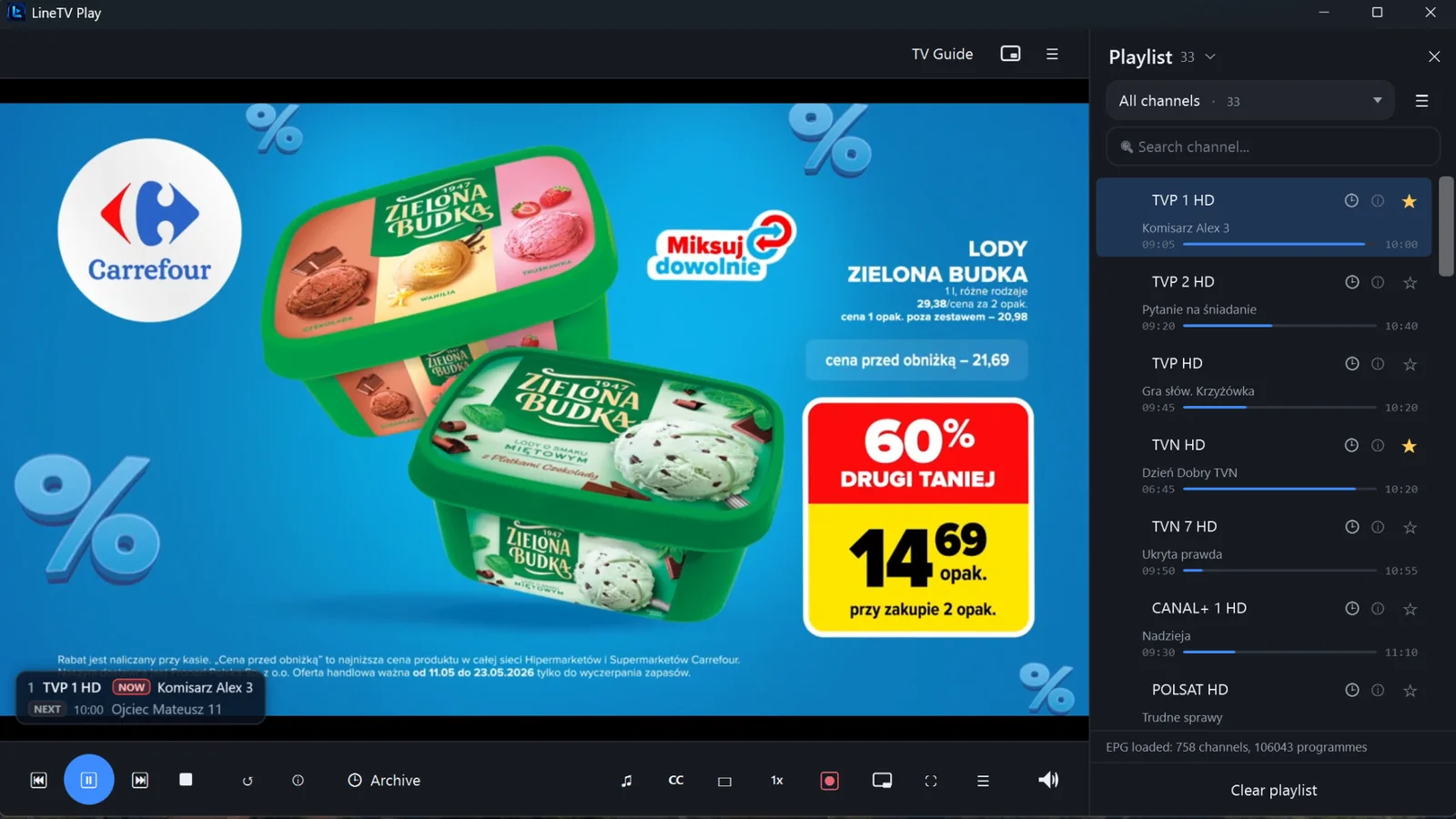
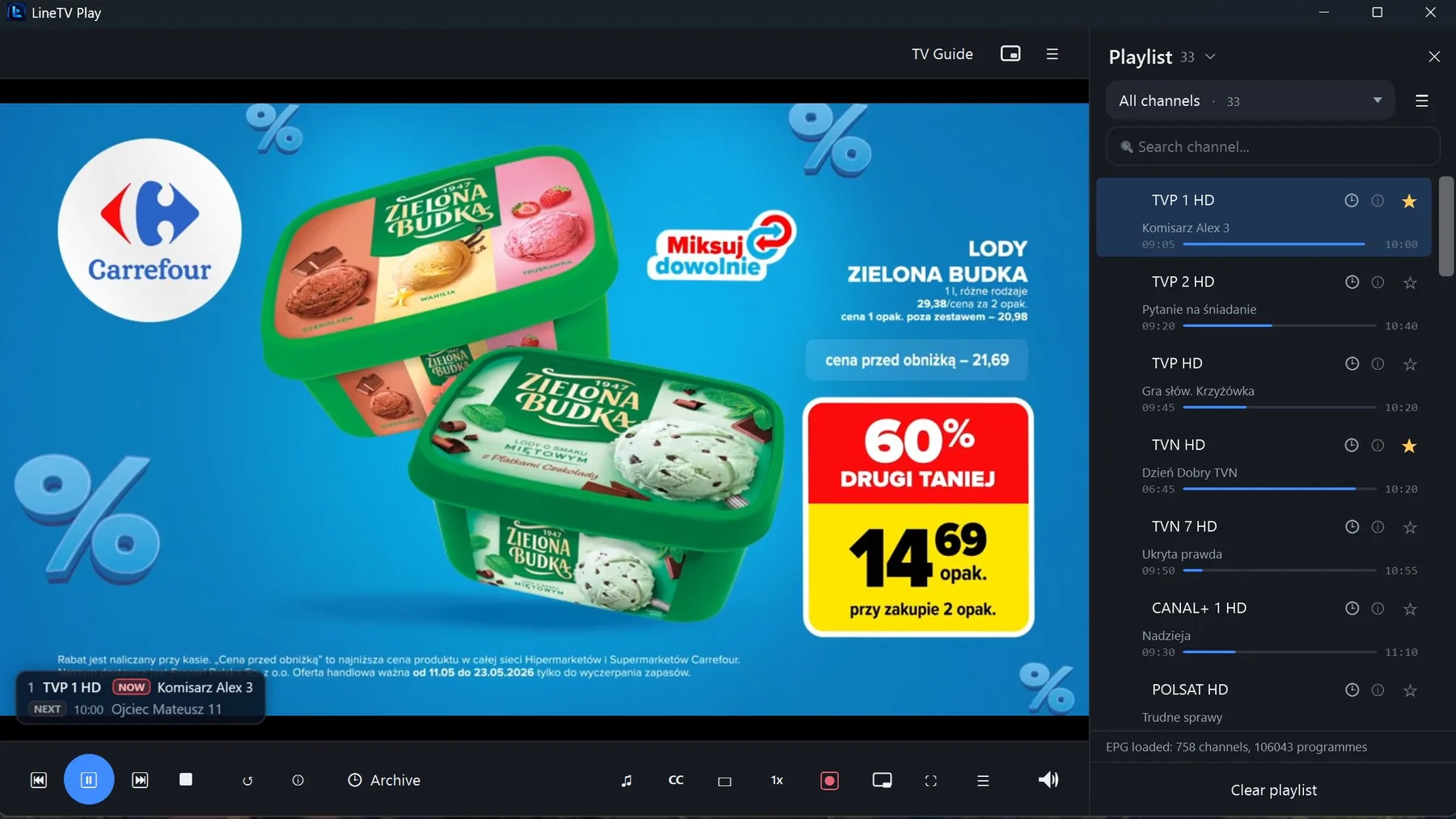
A compact overlay shows the current and upcoming programme right on top of the video — you always know what's coming.
Hit Record and the current channel saves straight to disk in MP4, MKV or TS. Keep watching while it records — files are ready when you stop.
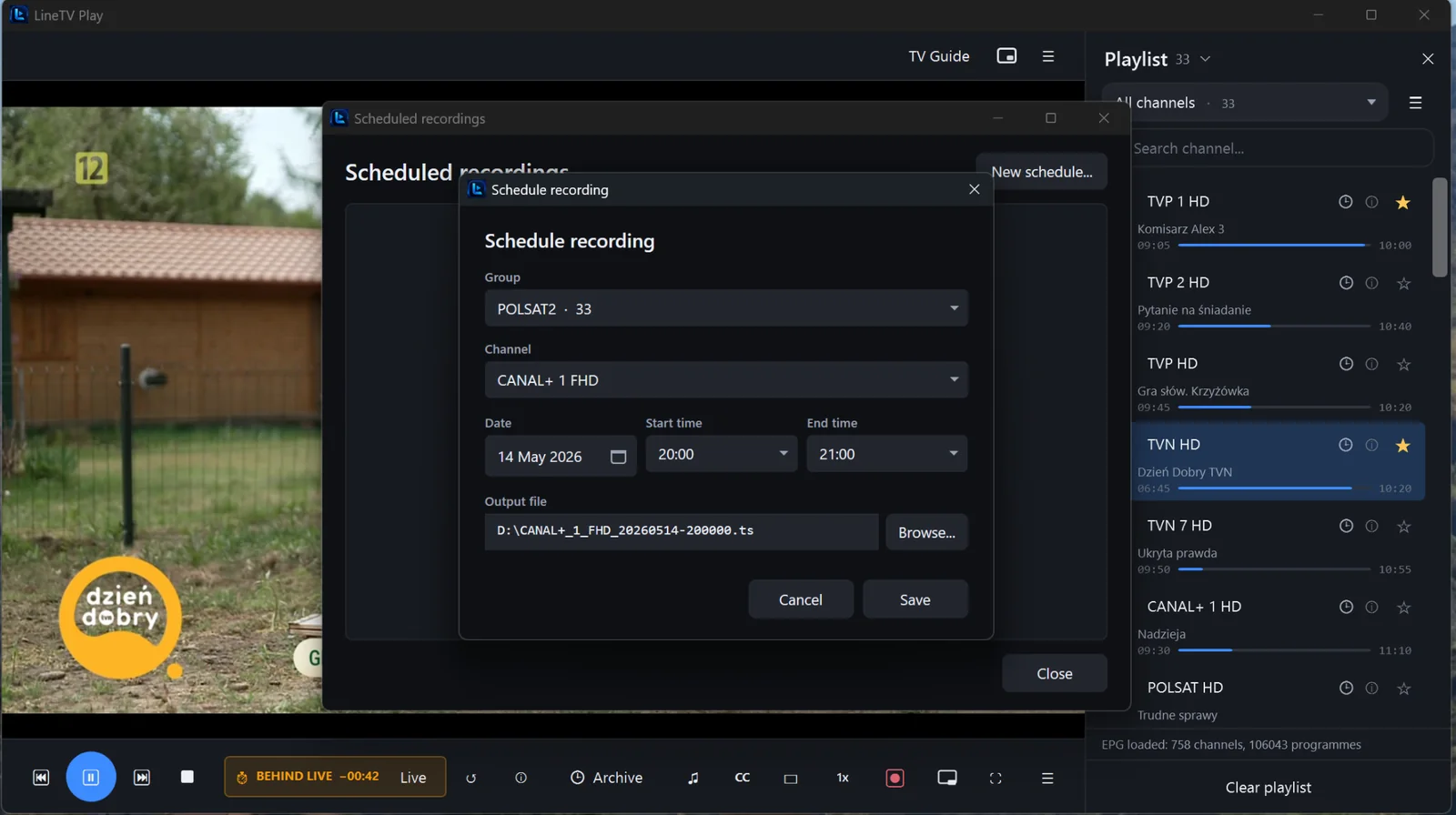
Pick a channel, a date, start and end time. LineTV Play wakes up on schedule and captures the programme for you — with an automatic file name.
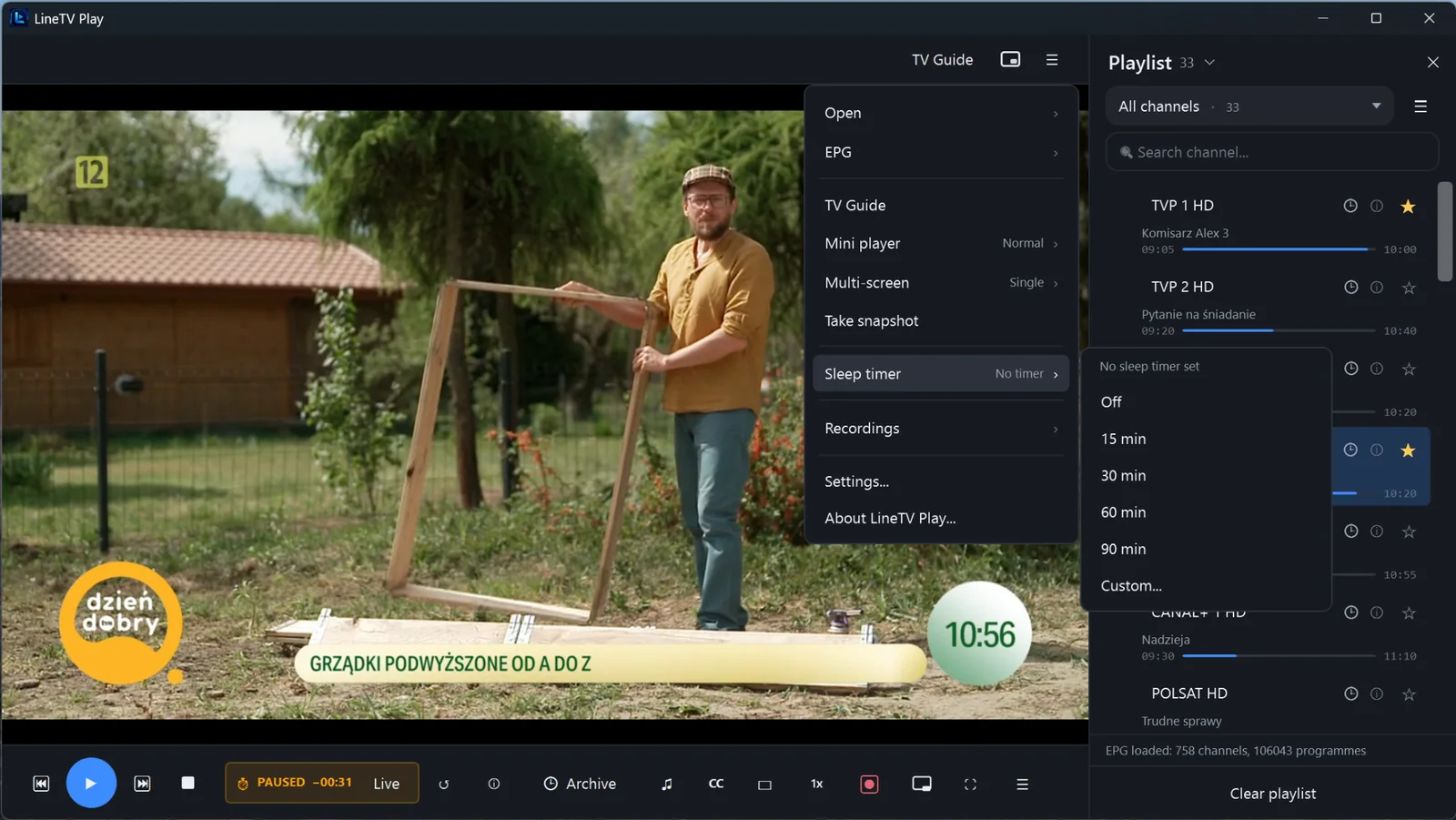
Fall asleep watching? Set 15, 30, 60 or 90 minutes — or a custom time — and the player stops on its own.
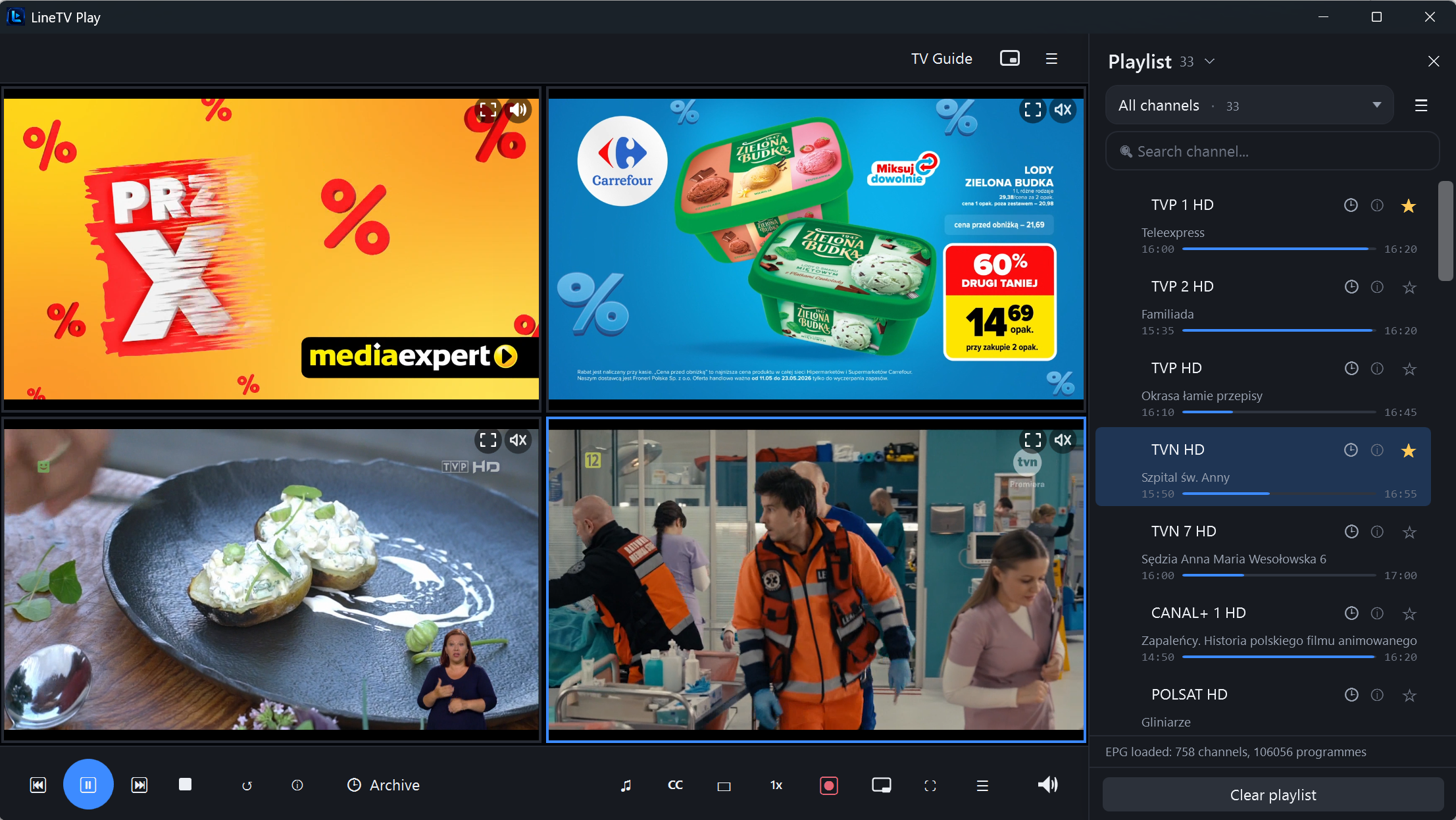
Watch 2, 4, 8 or up to 16 channels at once. Tap a tile to make it active and route audio there. Performance depends on your PC and provider limits.
In multi-screen, mute every tile except the one you care about. Clean audio without the chaos.
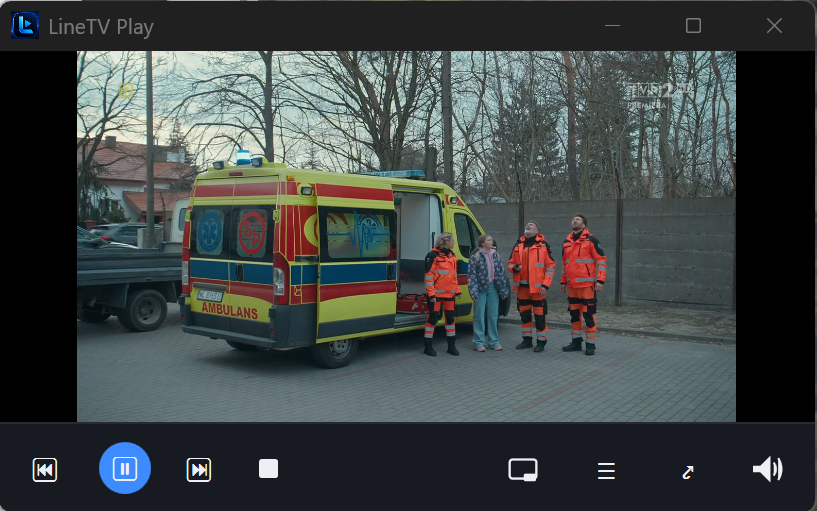
Shrink the player to a compact always-on-top window — keep watching while you work in other apps. Ctrl + M toggles modes.
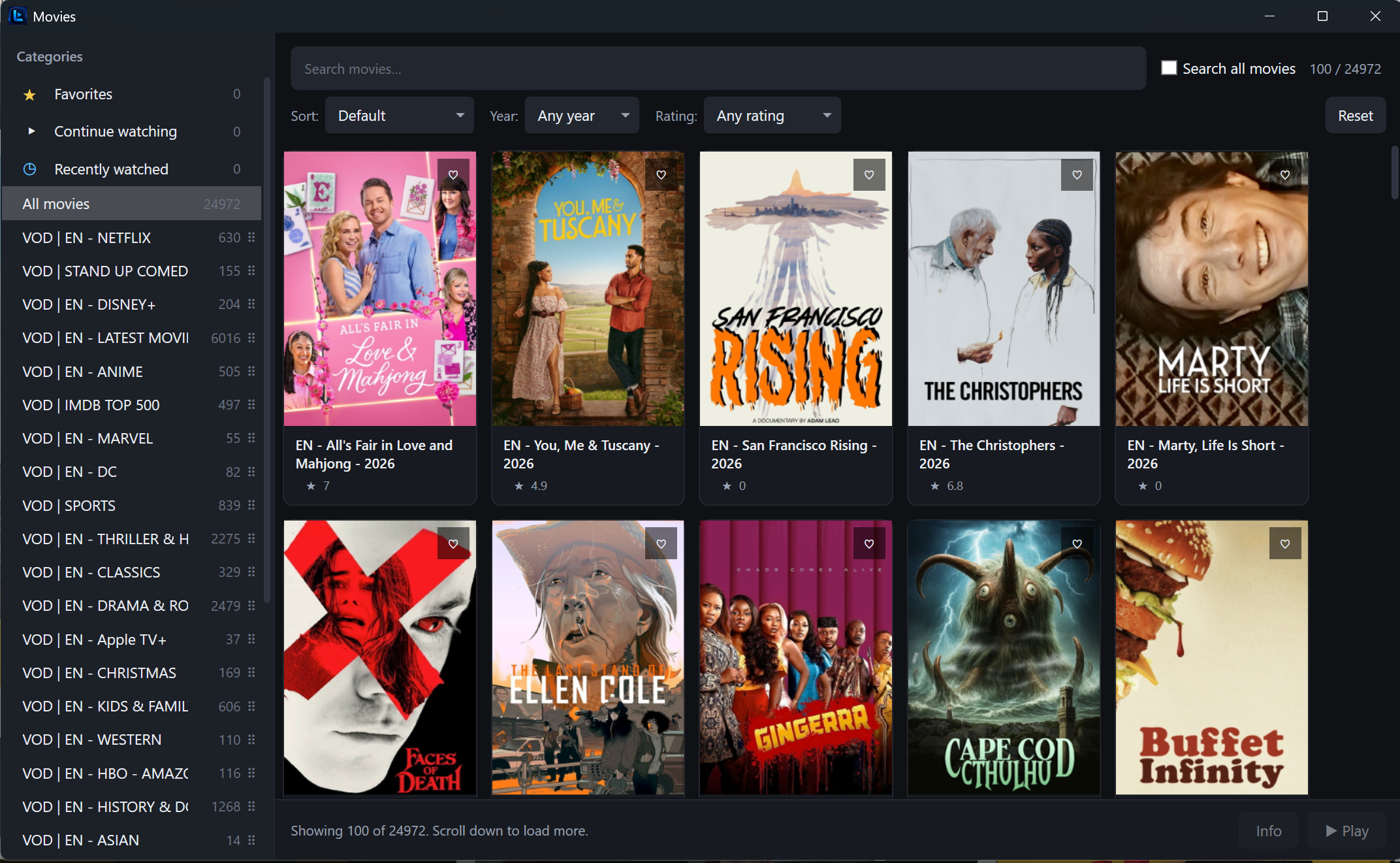
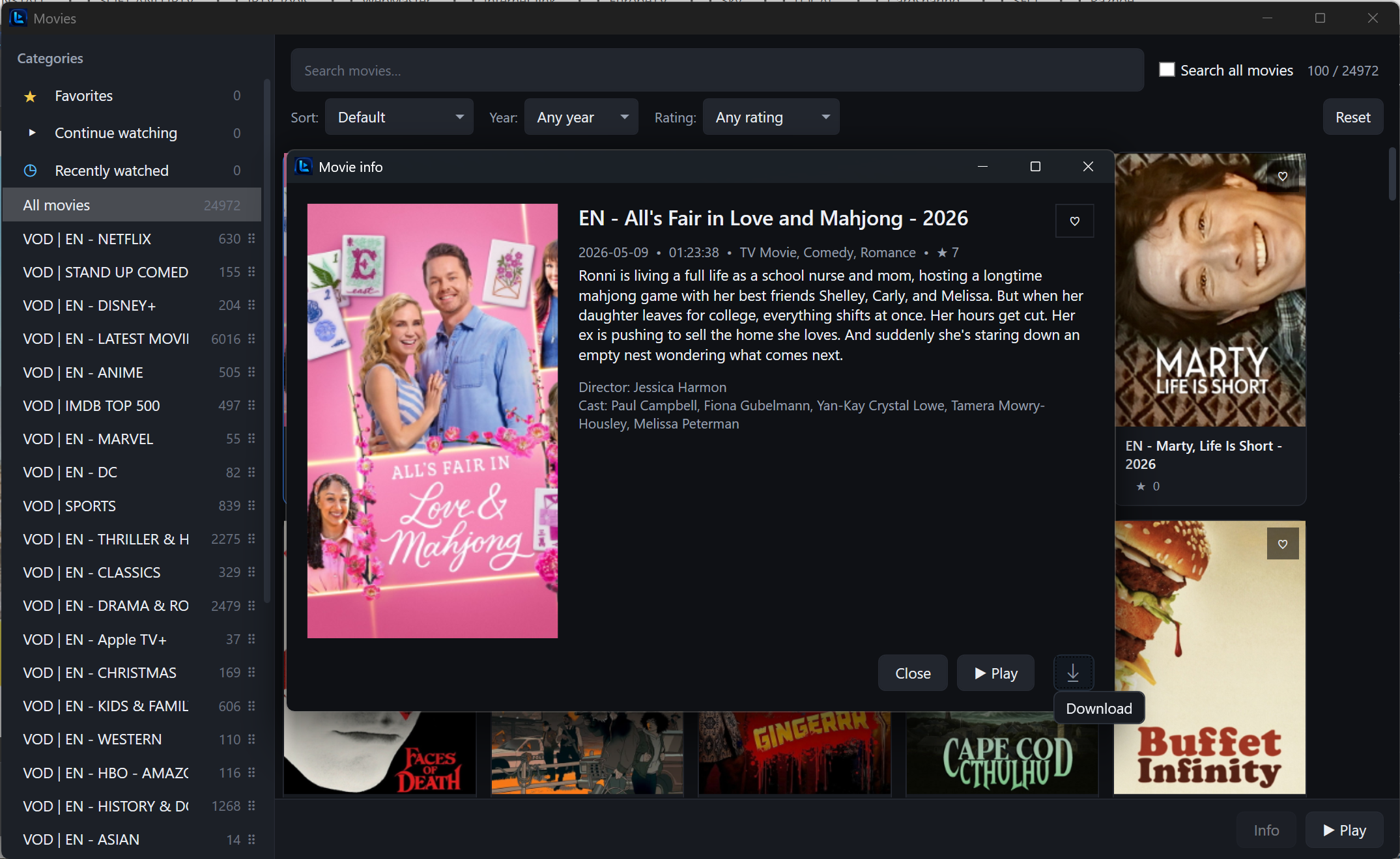
Beyond Live TV — browse films and series from your Xtream provider with posters, plot, cast, rating, seasons and episodes.
Stop a movie or an episode midway, come back later — playback continues from the exact second you left.
Protect selected channels with a PIN. Locked channels stay hidden until the PIN is entered.
Tunable network buffer (1000 / 1500 / 3000 ms), HTTP reconnect on EOF and adaptive frame skipping keep streams stable on unreliable connections.
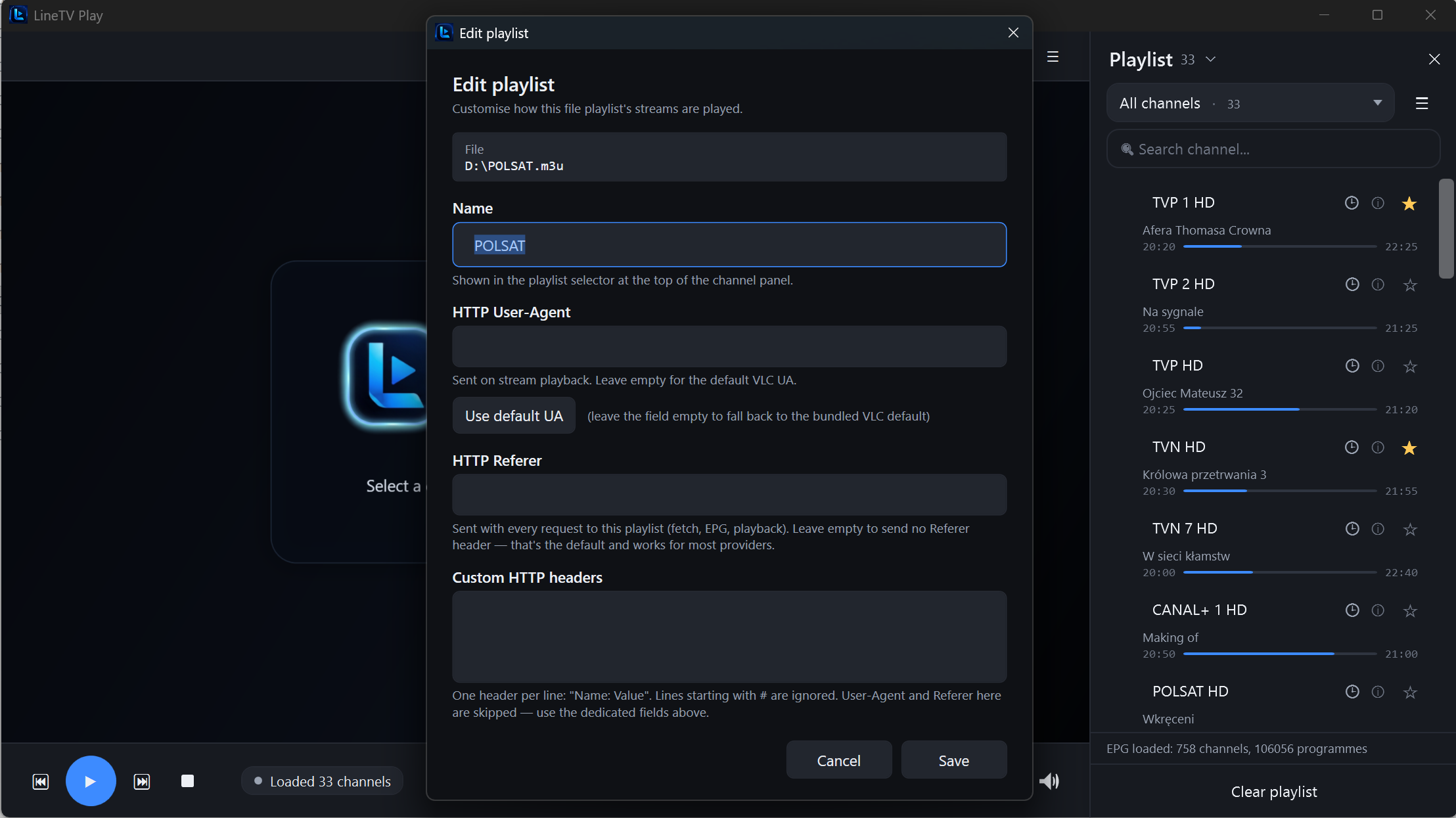
Custom User-Agent, Referer and HTTP headers — helps work with providers that require non-standard request headers.
A modern desktop interface with dark and light themes. Comfortable for non-technical users and IPTV enthusiasts alike.
LineTV Play speaks the languages your providers and your files already use.
A complete desktop IPTV experience — built specifically for Windows users who want a stable, professional player without the bloat or technical hassle.
Not a web wrapper, not a phone app on Windows. A real native player designed for keyboard, mouse and large screens.
Live TV, EPG, archive, recording, Xtream movies and series, multi-screen and Mini Player — without juggling several apps.
Pause, switch channels, jump to archive, take a snapshot — all with keyboard shortcuts. No fumbling with the mouse mid-watch.
Custom User-Agent, Referer and HTTP headers help with providers that require non-standard request headers.
Catch-up, archive and VOD download depend on what your playlist or provider offers. We're upfront about it.
News on one tile, sport on another, a film on the third — the active tile is outlined in blue and routes audio. Mute the rest with a click. Scale up to 8 or 16 screens if your PC can take it.
Posters, categories (Netflix, Disney+, Marvel, IMDB Top 500, Anime…), filter by year and rating, sort by Newest / Rating / A–Z. Open a movie to see plot, cast, director and length — then Play or Download.
Click any screenshot to view it full size.
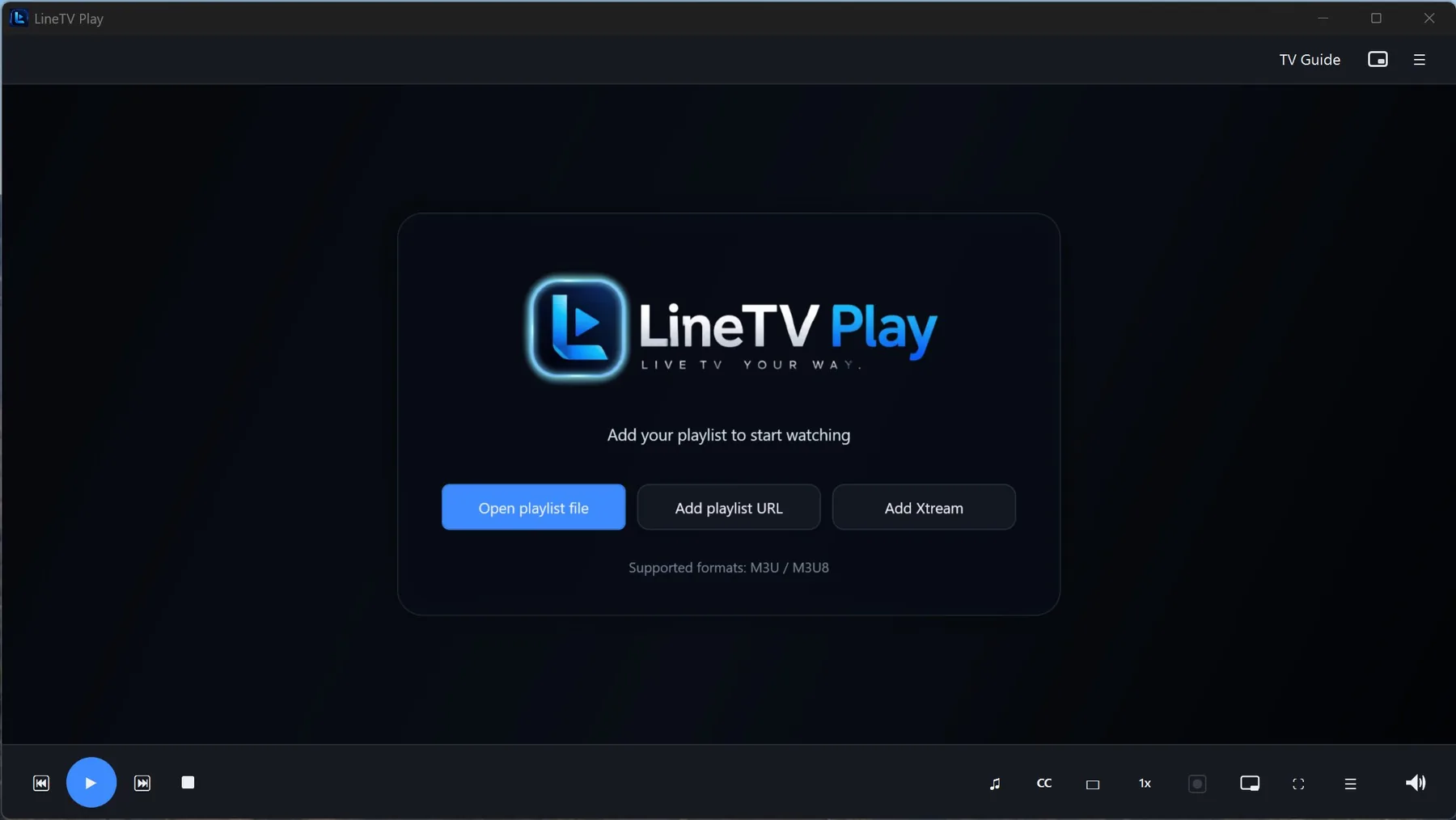
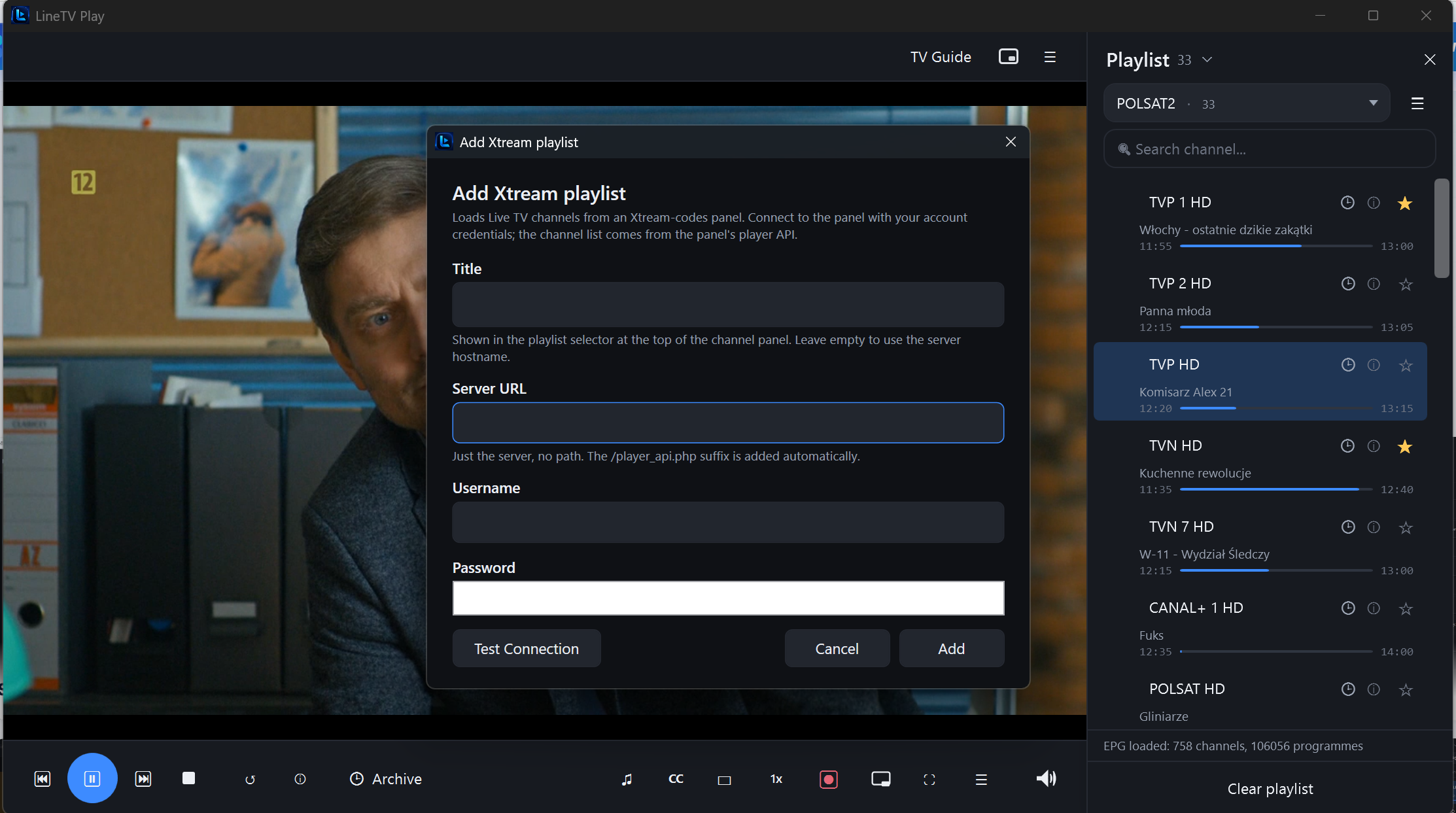
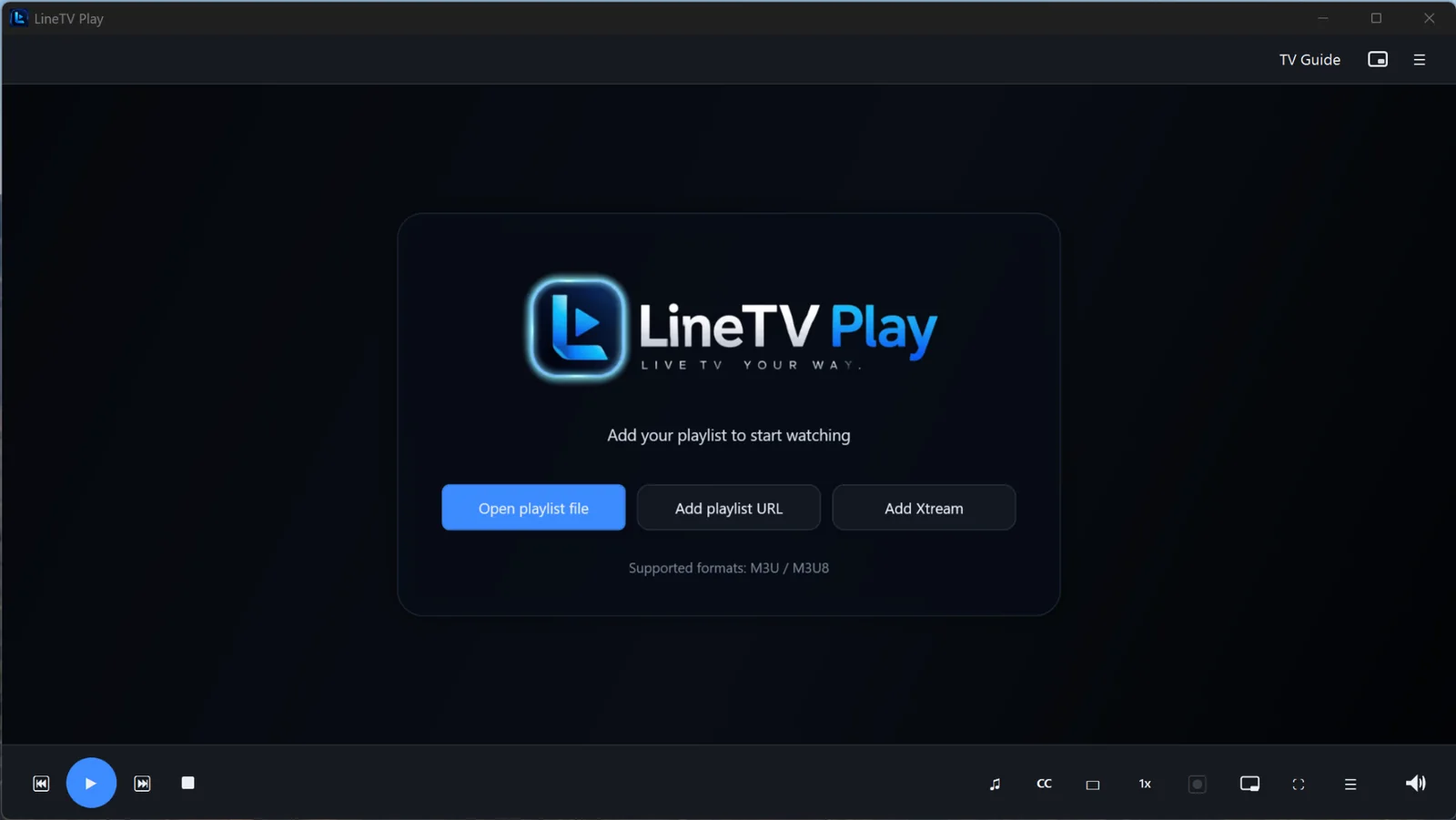
Load a local M3U/M3U8 file from disk, paste a playlist URL, or add Xtream Codes (server, username, password). LineTV Play can auto-load it on next start.
If your playlist includes an EPG source it loads automatically. Or add a custom EPG URL — XMLTV with gzip is supported.
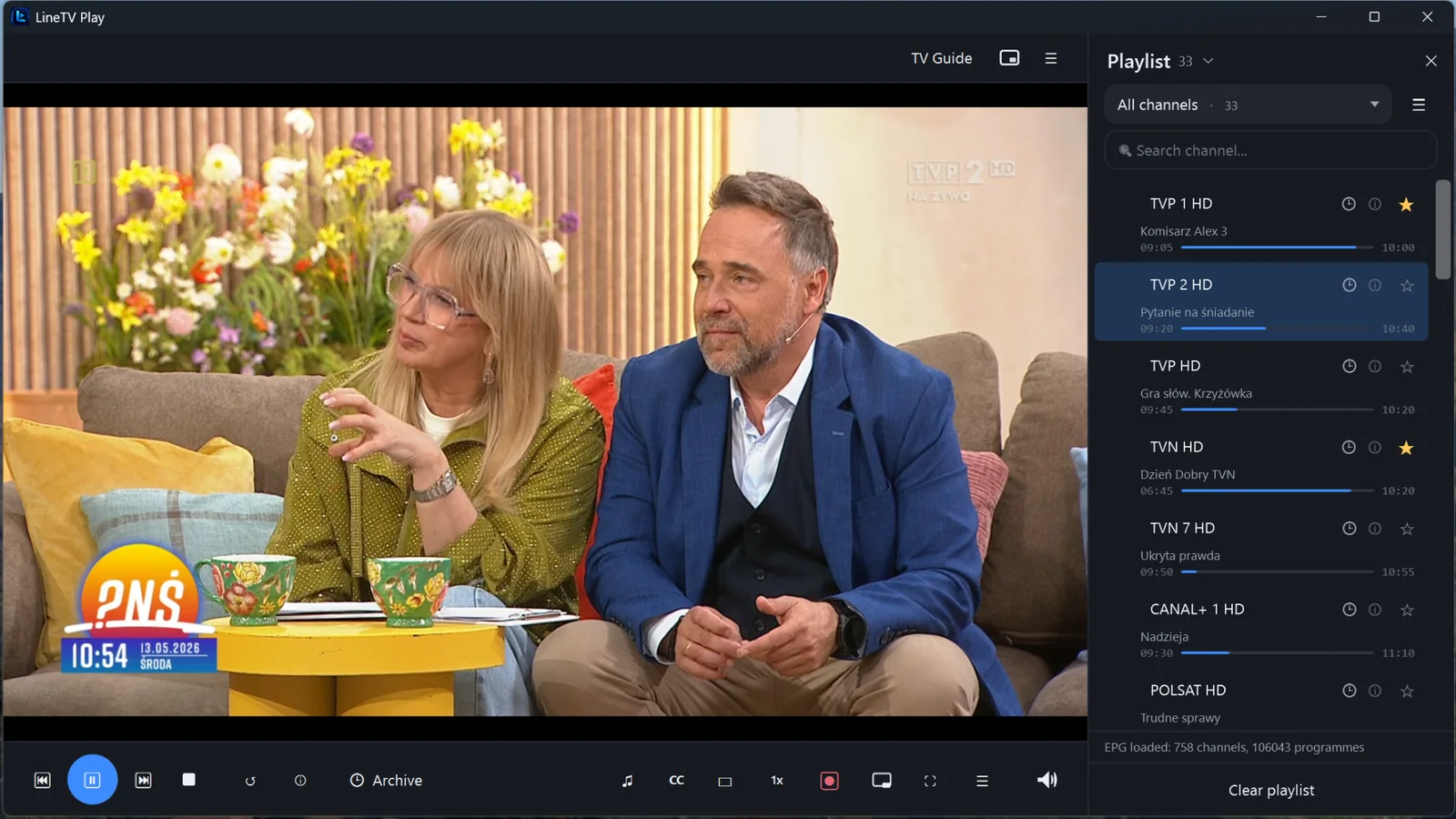
Browse groups, search channels, pause live TV, jump to archive, record a programme, or open Mini Player and keep working — it's your call.
Every common action has a shortcut — pause, jump to archive, toggle the playlist or swap to Mini Player without leaving your seat.
Choose the license that fits your situation — personal use, provider deployment or custom-branded distribution.
For individual users who want a reliable, polished IPTV player for their own authorized playlist on a personal Windows PC.
For IPTV providers who want to recommend a stable, professional player to their customers. Distribute with confidence.
A fully white-labeled version of LineTV Play with your brand identity — logo, name, colors — for your customers and resellers.
Pick the license that fits — personal use, provider deployment or your own branded build — and start watching with a professional desktop player.